
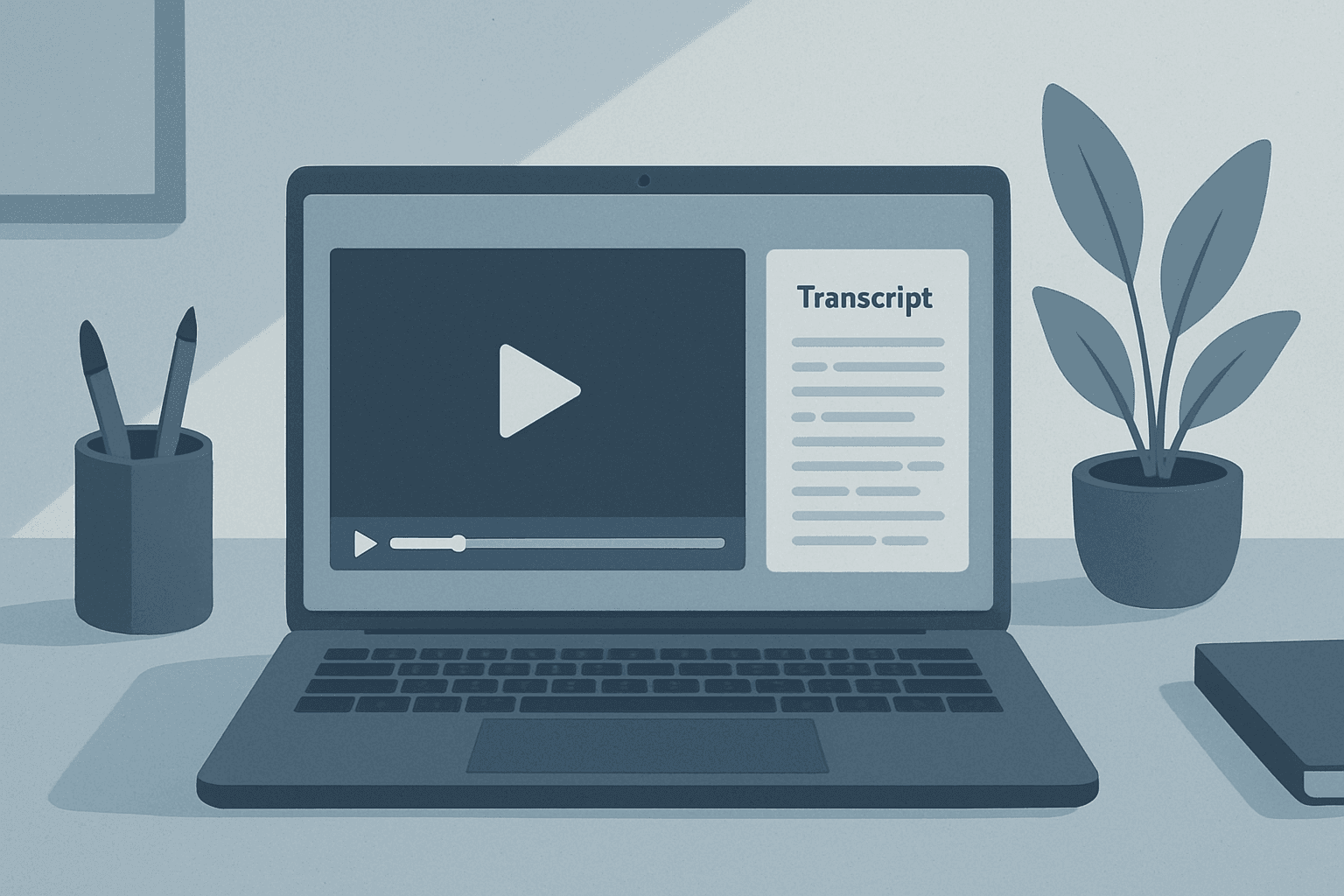
YouTube is full of interviews, talks, and tutorials you may want as text—for notes, captions, quotes, or SEO. Here’s a simple way to transcribe a public YouTube video with Simple Scribe.
Step-by-step: YouTube to transcript
Open Simple Scribe and choose YouTube import.
Paste a public YouTube URL and start processing.
Review the transcript with timestamps in the synced workspace.
Export TXT, SRT, DOCX, or PDF as needed.
When YouTube import works best
Public videos with clear speech produce the best results. Private, restricted, or region-blocked videos may not import. Always respect the creator’s rights and YouTube’s terms—only process content you are allowed to use.
What you get beyond raw text
Timestamps linked to playback
Speaker labels when multiple people talk
Chapters for long videos
AI chat with citations back to the transcript
Need captions for republishing? Export SRT and import it into your editor or platform. See our guide on generating SRT subtitles.
Tips for cleaner YouTube transcripts
Prefer videos with clear audio, minimal music beds under speech, and limited overlapping speakers. After processing, skim the transcript and fix proper nouns once—then reuse the clean text across notes and captions.