
Simple Scribe
YouTube Video Summarizer
Summarize a YouTube video with AI. Import a public URL, get a transcript, then use chapters and an overview to review key points faster — not a second transcript generator.
Paste a YouTube URL
Public videos only. We'll transcribe first, then open chapters and an overview.How to summarize a YouTube video
Paste a URL. We transcribe first (that is how summaries stay accurate), then open chapters and an overview.
1
Paste the YouTube URL
Public videos only. The summarizer still needs speech as text before it can outline the video.
2
Transcribe, then summarize
You get a transcript plus AI chapters and an overview so you can skim without reading every line.
3
Jump to a chapter
Open a section, click a timestamp, or ask the assistant a question grounded in the video.
AI video summarizer, still tied to the video
A summary without timestamps is a book report. Chapters jump you back into the YouTube video.
This URL owns YouTube video summarizer / AI video summarizer / video summary AI. Full-transcript search queries stay on the generator.
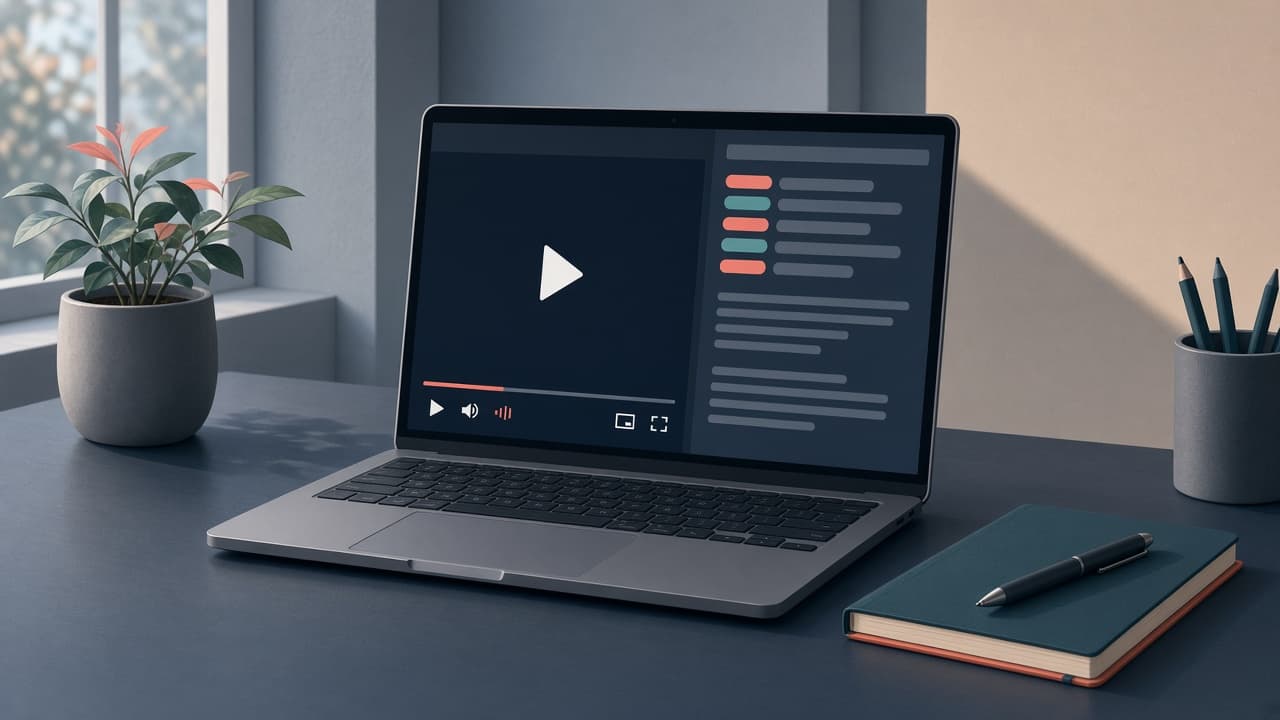
What this YouTube video summarizer includes
Chapters, overview, then the optional full transcript — not a competing youtube transcript page.
YouTube video summarizer
Paste a link and get an overview plus chapters after transcription.
AI chapters
Jump to sections of a long talk without watching linearly.
Grounded in the transcript
Summaries come from the speech, not a hallucinated outline.
Need the full text?
Use the YouTube transcript generator. This page is for people who asked to summarize.
Who wants a summary, not a transcript first
Students skimming a lecture, researchers triaging a talk, teams sharing an overview.
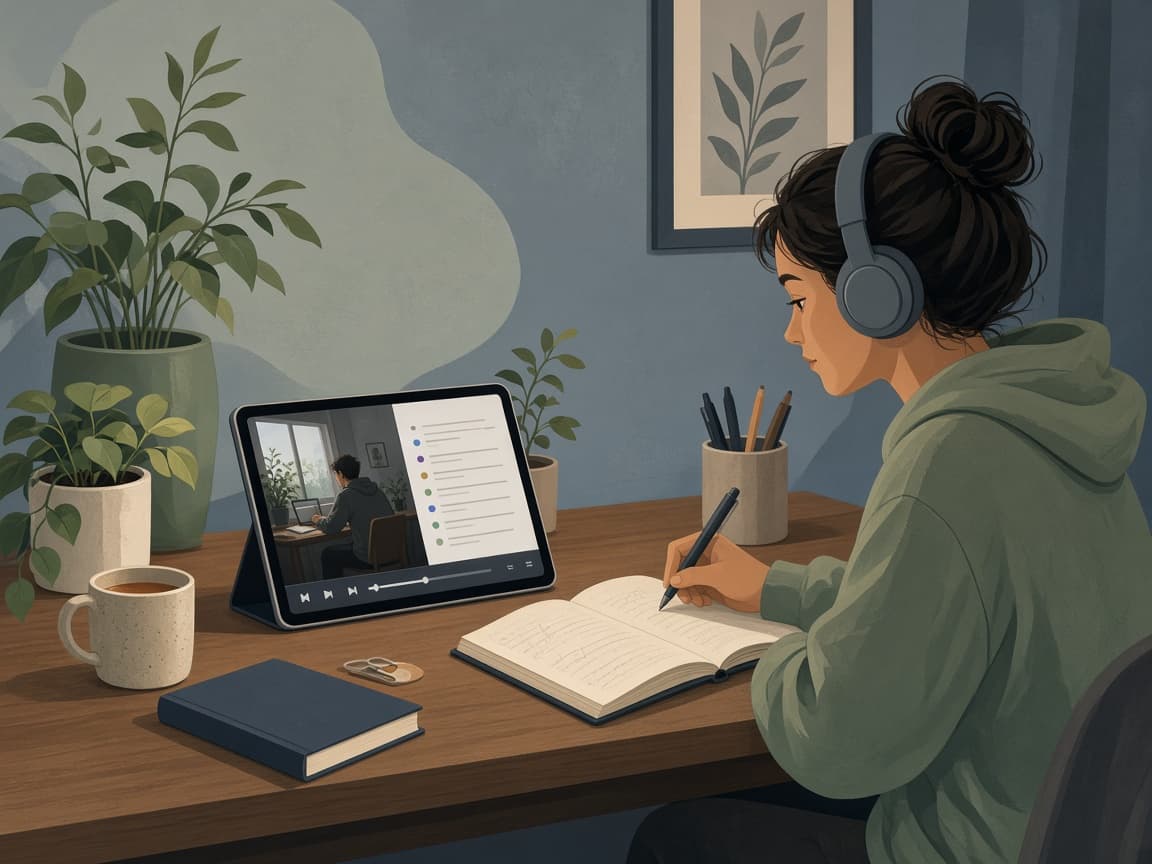
Students
Get chapters and an overview of a long YouTube lecture, then drop into the transcript only where it matters.
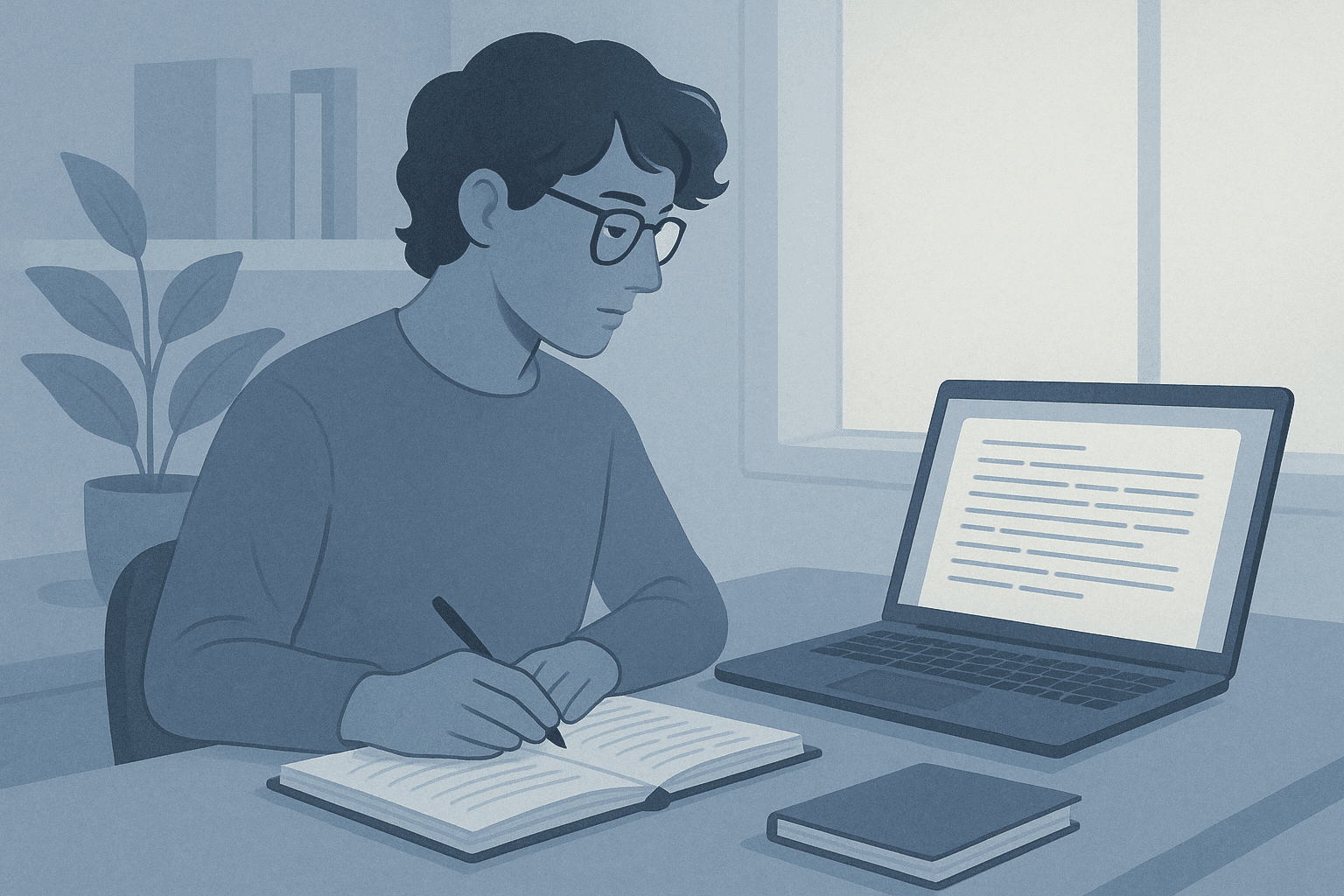
Researchers
Triage a talk before committing to the full transcript. Jump to the claim, then quote from the generator if needed.
Summarizer vs transcript generator
Both start with a YouTube URL. This page is for chapters and an overview. The generator is for the full transcript.
This page
- YouTube video summarizer
- Chapters and overview first
- Transcript is how the summary stays accurate
YouTube transcript generator
- Full YouTube transcript to read and search
- Copy, download, and chat
- Also has chapters as a feature
Summarize a YouTube video without a fake outline
We transcribe, then summarize. That is slower than caption-only toys and much more accurate.
Paste the URL at the top. When processing finishes, open chapters and the overview. For the full YouTube transcript, use the generator.
YouTube summarizer FAQ
AI video summarizer vs full transcript.
Paste a public YouTube URL at the top of this page. After transcription, open AI chapters and the overview.
No. The summary is grounded in the transcript so timestamps and quotes stay real.
Use the YouTube transcript generator. This page is for chapters and an overview after transcription.
Summarize a YouTube video
Paste a public URL, get chapters and an overview. Free to start. Full transcripts live on the generator.
Your transcripts also live in Library.