
Simple Scribe
MP4 to Text Converter
Convert an MP4 video to text with AI transcription. Upload an MP4, get a timestamped transcript, then export SRT or copy the MP4 to transcript output.
Upload or drag a video or audio here.
Common file formats supported — MP4, MOV, MP3, WAV, M4A, and more.
Free to start. No credit card required.Convert MP4 to textHow to convert MP4 video to a transcript
This page is for people who searched MP4 to text — not the generic video to text converter. Upload the .mp4, transcribe, export.
1
Upload the MP4
Drop an MP4 recording from a camera, phone, or screen capture. Other containers (MOV, MKV, WebM) belong on the video to text converter.
2
Transcribe the file
Speech-to-text builds an MP4 to transcript result with timestamps and speaker labels.
3
Export text or captions
Copy the transcript or download TXT, SRT, DOCX, or PDF. Same workspace as every other Simple Scribe recording.
MP4 to text beside the player
An MP4 to text converter is only useful if you can jump from a sentence back into the video. Playback and transcript stay in sync.
Free to start. If your file is not an MP4, use the generic video to text converter so you are not stuck on the wrong landing.

What this MP4 to text converter includes
Format-specific entry, same transcription workspace: timestamps, captions, chat, and export.
MP4 to text
Upload .mp4 and get editable text. That is the whole search: mp4 to text converter, mp4 to transcript.
MP4 to captions
Export SRT from the same transcript for editors or platform uploads.
Speaker labels
Interviews and meetings in MP4 form still get who-said-what labels.
Chat after transcription
Ask questions about the MP4 once the transcript exists.
Chapters on long files
Long MP4 lectures get an overview so you are not reading linearly.
Need another format?
MOV, MKV, WebM, and YouTube links belong on the video to text converter.
When to use the MP4 landing
Use this URL when the file extension is the query. Everyone else should land on video transcription.
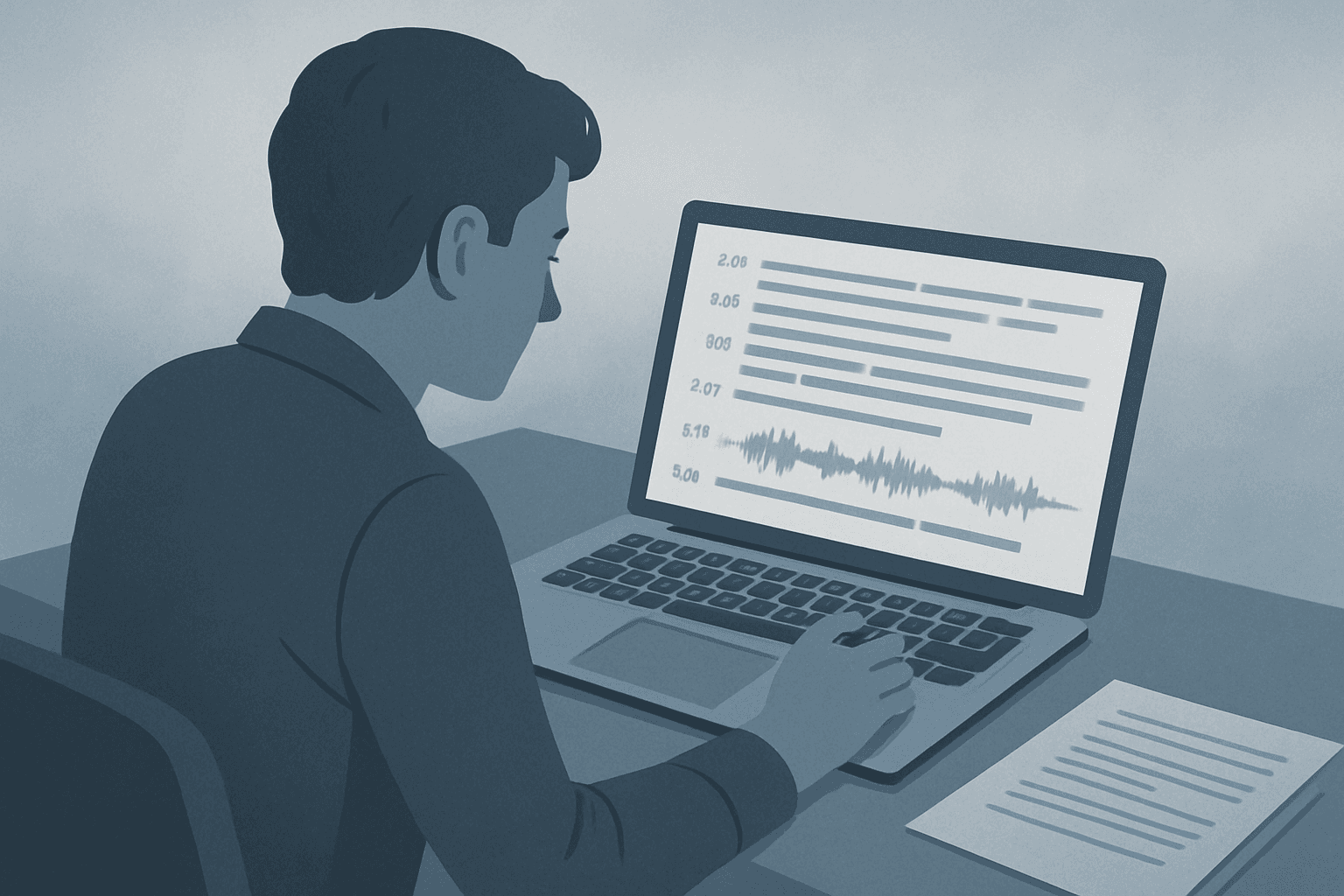
Phone and camera MP4s
Interview or event files that already ended up as MP4. Upload here, then treat it like any other transcript.
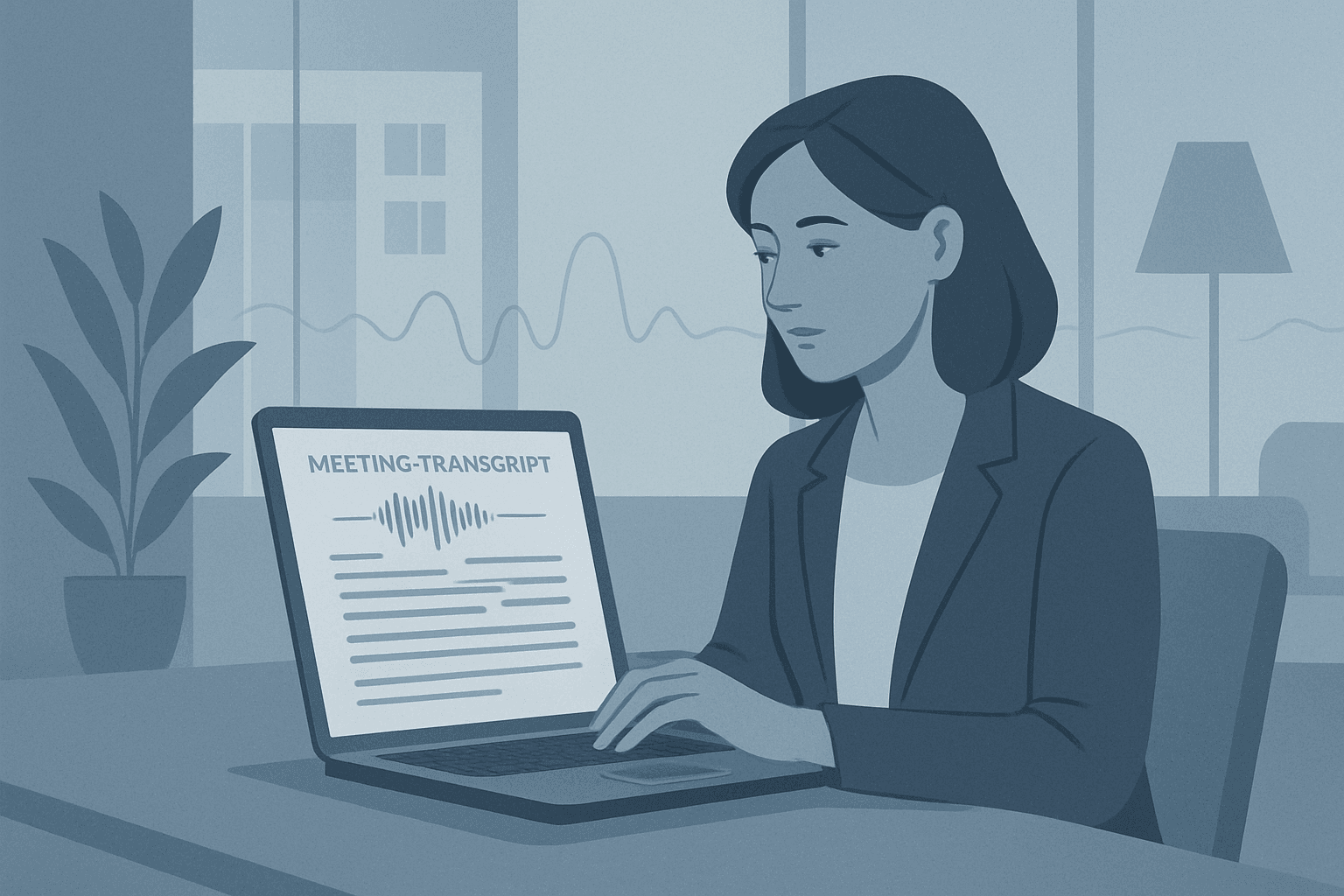
Screen recordings saved as MP4
Demos and webinars exported to MP4. Convert to text, then pull steps into docs.
MP4 page vs generic video to text
Same product. This page is for MP4 files. Other formats and YouTube belong on the video to text converter.
This page
- MP4 to text converter
- File upload first
- Points you to MOV or YouTube when needed
Video to text converter
- Video transcription for any format
- All video files plus a YouTube tab
- The starting point for generic video to text
MP4 to text transcription, free to start
Low-volume, easy-intent queries like “mp4 to text transcription free online” still deserve a clear how-to.
Upload the MP4 at the top of this page. When the transcript is ready, copy or export. Limits apply on free plans.
If you also need YouTube or other containers, switch to the video to text converter so you are not maintaining two libraries of the same job.
MP4 to text FAQ
Short answers for MP4 to text, MP4 to transcript, and free online limits.
Upload the MP4 at the top of this page and transcribe. You get a timestamped MP4 to transcript you can copy or export.
Free to start, no credit card required. Daily limits apply on guest and free plans.
This page is for MP4 files. Use the video to text converter for other video formats, or the YouTube transcript generator for YouTube URLs.
Convert MP4 to text
Upload an MP4 and get a searchable transcript. Free to start — other formats live on the video to text converter.
Your transcripts also live in Library.