
Simple Scribe
Video to Text Converter
Free video transcription for interviews, lectures, meetings, and uploads. Convert a video to text — or transcribe video to text from a YouTube link — then copy, search, and export the transcript.
Upload or drag a video or audio here.
Common file formats supported — MP4, MOV, MP3, WAV, M4A, and more.
Free to start. No credit card required.Transcribe video to textHow to transcribe a video to text
Upload a file or paste a YouTube URL. This video to text converter turns speech into a searchable video transcript you can edit and export.
1
Upload a video (or paste a link)
Drop MP4, MOV, MKV, or WebM, or import a public YouTube URL. That covers “video to text,” “video link to text converter,” and “transcribe video youtube” in one tool.
2
Transcribe
AI speech-to-text builds a timestamped video transcript with speaker labels. Processing time depends on length — typical recordings finish in minutes, not hours.
3
Extract, copy, or export
Search the transcript, jump to a moment in the player, export TXT/SRT/DOCX/PDF, or ask the assistant to summarize. That is extract text from video without typing it yourself.
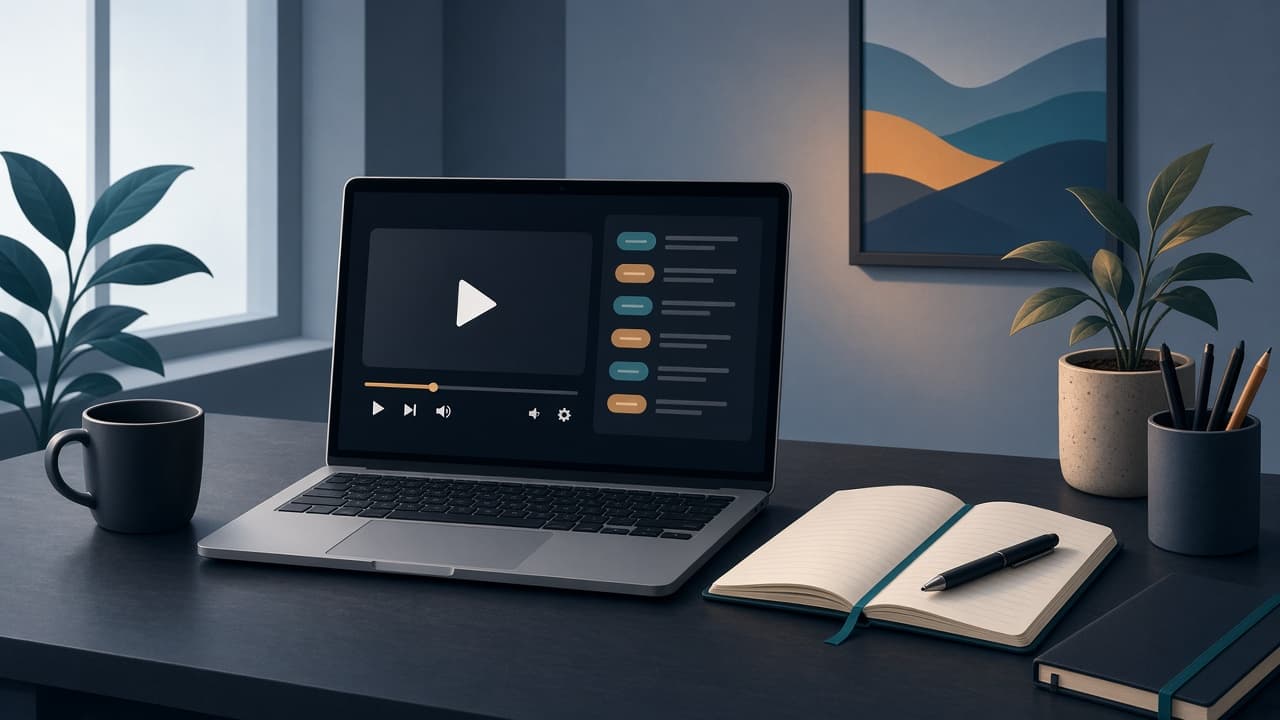
A video transcript synced to playback
Video transcription is only useful if you can find the line. Every sentence stays tied to the recording so you can quote, caption, or review without scrubbing.
Use this as a free video to text converter to start, then keep the file in your library. Long interviews and lectures get chapters and an overview so you are not reading a wall of text from the first second.
What you get with this video to text converter
More than a dump of words: video transcription with timestamps, captions, summaries, and chat — free to start, no credit card required.
Transcribe video to text
Turn speech in a recording into an editable video transcript. Works for interviews, lectures, webinars, and screen captures.
Extract text from video
Search names, claims, and quotes instead of replaying the file. Copy a passage or export the full transcript.
Free video to text converter
Start without a credit card. Guest and free plans have daily limits; upgrade when you need more minutes or storage.
Captions from the same transcript
Export SRT for editors and platforms. You do not need a second subtitle tool after video transcription.
YouTube as a second path
Already online? Paste a public URL. Dedicated YouTube transcript queries still belong on the YouTube generator.
Chat with the recording
Ask questions grounded in the transcript with timestamp citations — useful after you transcribe video to text for research or notes.
Who needs video transcription
Same intent as “video transcript generator” and “transcribe video to text free” — people who would rather read (or search) than rewatch.
Journalists and researchers
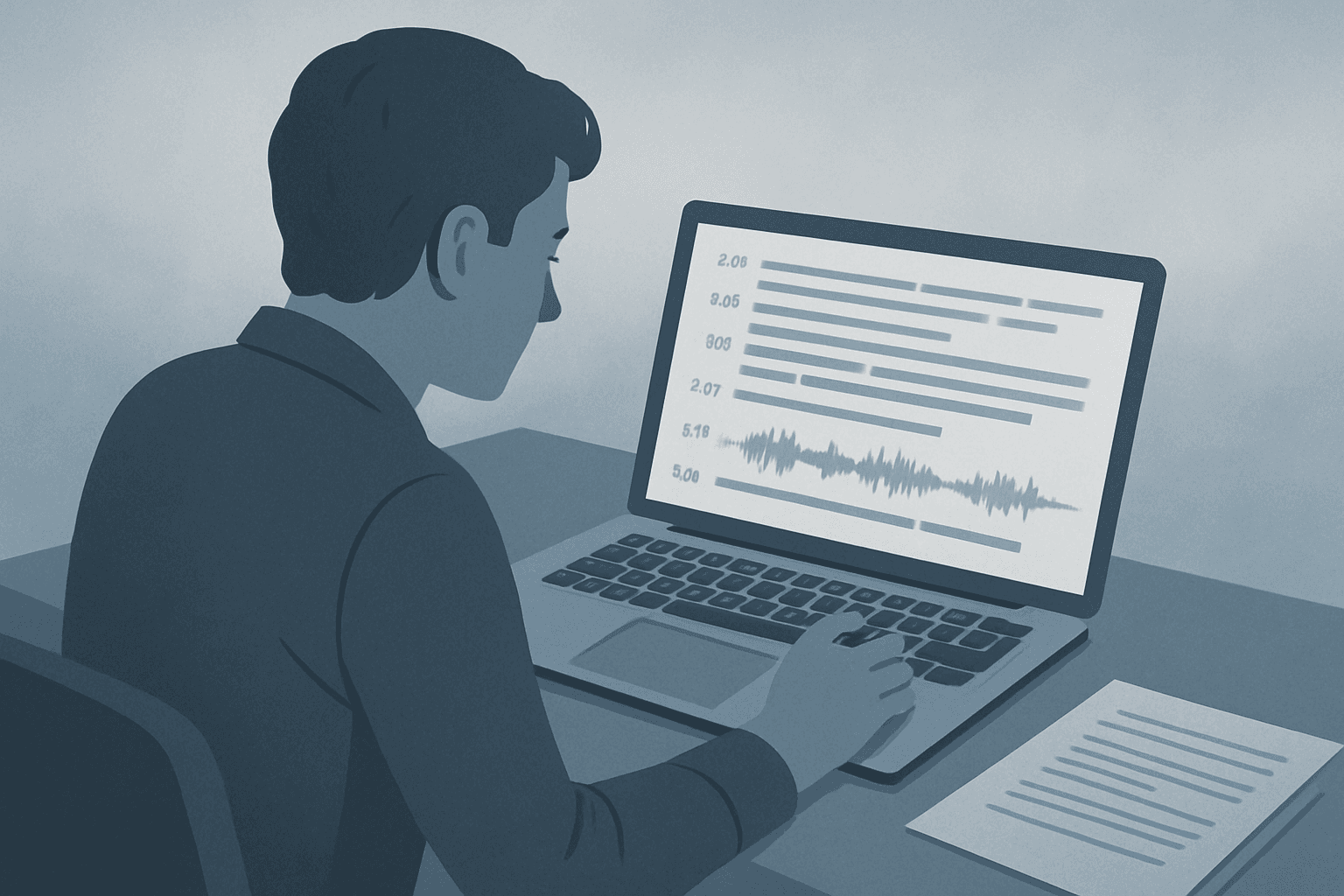
Upload the interview file, get speaker labels and timestamps, then pull quotes without a second listen. See also interview transcription.

Students and lecturers
Convert class recordings into searchable notes. Extract text from video for study, then jump back to the moment something was said.
Typing it out vs this converter
Manual transcription and generic “video to text” widgets both stall on long files. This page is built for the 27k-search “video transcription” job: upload, get a transcript, keep working.
Manual or one-shot converters
- Hours of typing or a blob of unformatted text
- No speaker labels or jump-to-time
- Weak export (copy/paste only)
- No library to return to later
Simple Scribe
- Upload a file or paste YouTube
- Timestamped video transcript + speakers
- TXT, SRT, DOCX, PDF
- Chapters, translation, and chat
How to transcribe video to text (and when to use MP4 or YouTube)
If you searched “video to text converter,” “video transcription,” or “extract text from video,” start here. Use the MP4 or YouTube pages when the source is specifically that format.
Drop the file at the top of this page. After video transcription finishes, search the transcript, export captions, or open chapters. That is the whole “transcribe video to text free” workflow.
If the file is an MP4 and that is all you care about, the MP4 to text converter is a shorter format page. If the source is a public YouTube video, the YouTube transcript generator is the better URL. MOV, MKV, and WebM stay here.
Video to text FAQ
Answers for video transcription, transcribe video to text, and free converter limits.
Upload a video file (or paste a YouTube URL) at the top of this page and start transcription. You get a timestamped video transcript you can copy, search, and export.
Yes — free to start, no credit card required. Guest and free plans have daily upload limits. Upgrade for more minutes and storage.
Common video formats include MP4, MOV, MKV, and WebM. For MP3, WAV, or M4A, use the audio to text converter. For MP4-only search intent, see the MP4 landing.
Transcribe the file, then copy from the workspace or export TXT/DOCX. Search inside the transcript to extract a quote without watching the whole recording.
Yes via the Link tab. If a YouTube transcript is all you need, use the YouTube transcript generator instead.
Transcribe video to text free
Upload a recording or paste a public YouTube URL. Get a searchable video transcript with timestamps — no credit card required to start.
Your transcripts also live in Library.