
Simple Scribe
YouTube Transcript Generator
Generate a YouTube transcript for free. Paste a YouTube URL to transcribe a YouTube video, copy the text, download SRT, or turn any public video into a timestamped YouTube video transcript you can search and chat with.
Paste a YouTube URL
Public videos only. Generate a YouTube transcript in seconds.How to get a transcript of a YouTube video
Three steps from a YouTube link to a full transcript you can copy, download, or reuse as notes.
1
Copy the YouTube URL
Open the video on YouTube and copy the link — watch pages, youtu.be shorts-style links, and standard watch URLs all work when the video is public.
2
Paste and generate
Paste the YouTube URL into this YouTube transcript generator and start processing. We fetch captions when they are available, or transcribe the audio into a YouTube video transcript.
3
Read, copy, or download
Review the transcript beside the video, jump by timestamp, copy quotes, export SRT or DOCX, ask the AI assistant questions, or translate the text.
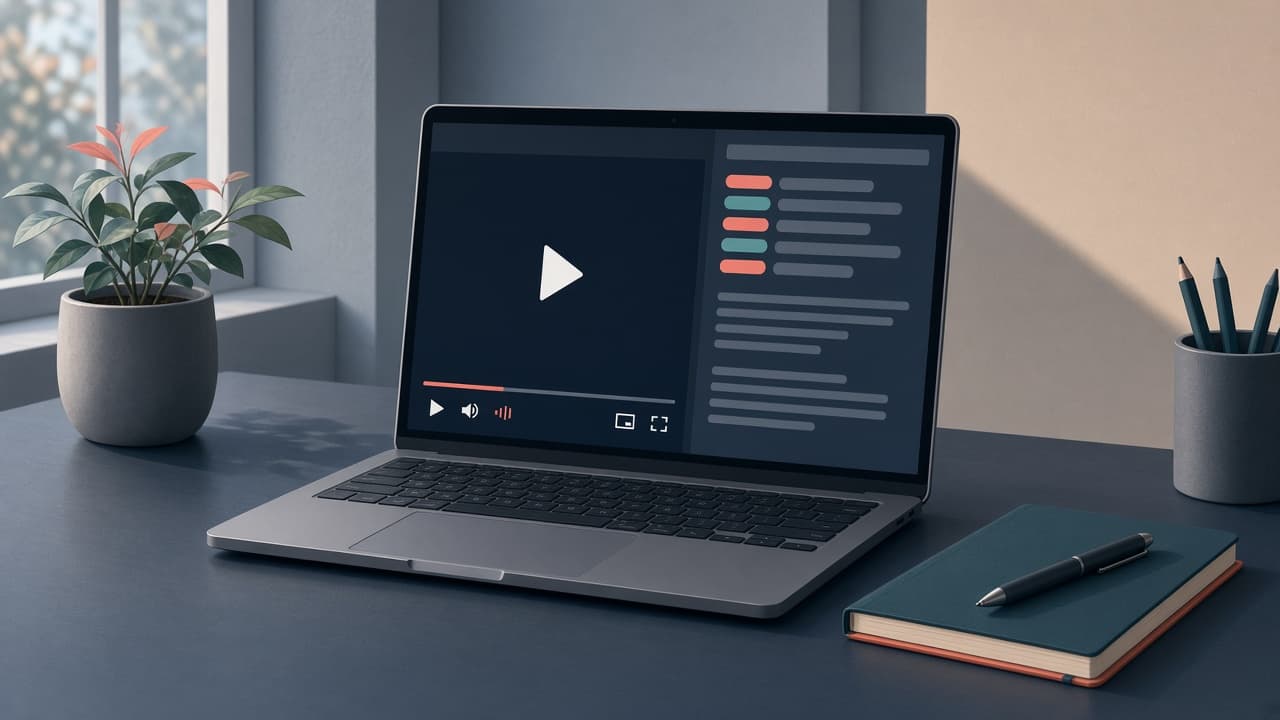
YouTube video transcript beside the player
This is not a dump of caption text. The transcript stays in sync with playback so you can read, quote, and jump without leaving the video.
Use it as a YouTube transcript extractor when you only need the words, or keep working in Simple Scribe: search the full transcript, generate chapters, translate, and export captions. Creators paste a link once instead of watching twice.
What you get with this YouTube transcript generator
More than youtube to text: a workspace for the transcript of a YouTube video — copy, captions, summaries, and translation.
One-click YouTube to transcript
Paste a YouTube URL — no file download required. Get a YouTube transcript with timestamps instead of typing along.
Copy the full transcript
Copy the transcript of a YouTube video in one place. Search names, quotes, and topics instead of replaying the whole video.
Download TXT, SRT, DOCX, PDF
Use this as a YouTube transcript downloader when you need a file: captions for editors, notes for class, or a document for your CMS.
Timestamps that jump the video
Every line is tied to playback. Click a sentence in the YouTube video transcript to hear that exact moment.
AI chapters and overview
Long videos get chapter summaries and an overview so you can skim before you read the full transcript.
Chat with the video
Ask questions grounded in the transcript — quotes, key points, study notes — with citations back to timestamps.
Who uses a YouTube to transcript tool
The same job as “transcript a YouTube video” — notes, captions, research, and repurposing — without typing the whole thing.
Note takers and students
Follow a lecture or tutorial in text. Paste the YouTube link, generate a YouTube transcript, and copy sections into your notes or a study doc.

Creators and podcasters
Turn a YouTube video into a transcript for show notes, blog posts, descriptions, and social clips. Export SRT when you need captions.
YouTube captions vs this transcript generator
YouTube already has a transcript feature. This page exists because copying that text, downloading it, and turning it into notes is still painful.
YouTube’s built-in transcript
- Hidden behind extra clicks on desktop
- Hard to copy cleanly
- No SRT / DOCX export
- No AI summary or chat
Simple Scribe
- Paste a URL — YouTube to transcript in one step
- Full transcript you can copy and search
- Export TXT, SRT, Word, or PDF
- Chapters, translation, and chat on the transcript
How to transcribe YouTube videos (and what to do next)
A practical workflow if you searched “how to generate transcript from youtube video” or “transcribe video youtube.”
Start here: paste the YouTube link into the generator at the top of this page. When the YouTube transcript is ready, skim chapters, copy the passages you need, and export SRT if you want captions on another cut.
If you need a YouTube transcript downloader specifically, export from the workspace after generation. For a summary instead of the full text, use the YouTube video summarizer. Public videos only — respect the creator’s rights and YouTube’s terms.
YouTube transcript FAQ
Short answers for the searches people actually type — including how to copy, download, and transcribe a YouTube video for free.
Copy the YouTube URL, paste it into the box at the top of this page, and click Get YouTube transcript. Simple Scribe pulls captions when they exist, or transcribes the audio.
This YouTube transcript generator is free to start — no credit card required. Guest and free plans have daily limits; upgrade if you need more minutes.
Yes. After the YouTube transcript is ready, export plain text, SRT subtitles, Word (DOCX), or PDF.
If the video has captions, we use them first. If it does not, we transcribe the audio. Either way you get a YouTube to text result with timestamps.
This page is the free YouTube transcript generator for people who paste a link. We do not currently offer a public YouTube transcript API.
Transcribe a YouTube video free
Paste a public YouTube URL and get a YouTube transcript with timestamps. Copy, download, or keep working in your library — no credit card required to start.
Your transcripts also live in Library.