
Simple Scribe
Audio to Text Converter
Convert audio to text with AI speech recognition. Upload MP3, WAV, or M4A and get a timestamped transcript — voice to text for podcasts, meetings, and voice notes.
Upload or drag a video or audio here.
Common file formats supported — MP4, MOV, MP3, WAV, M4A, and more.
Free to start. No credit card required.Convert audio to textHow to convert audio to text
This is speech to text for files you already have. Upload audio — not a YouTube URL. Video files belong on the video converter.
1
Upload the audio file
Drop MP3, WAV, or M4A. Voice memos, podcast exports, and meeting recordings all work.
2
Speech to text
AI transcription produces a timestamped transcript with speaker labels for multi-person audio.
3
Search, copy, export
Copy quotes, export TXT/SRT/DOCX/PDF, or chat with the transcript. If you only have an MP3, the MP3 converter is a shorter path to the same workspace.
Voice to text you can actually scan
Audio to text is useless if it is one paragraph. Lines stay timed so you can jump back into the recording.
Built for podcasts, interviews, and meetings. If you only have an MP3, the MP3 to text converter is a shorter path to the same workspace.
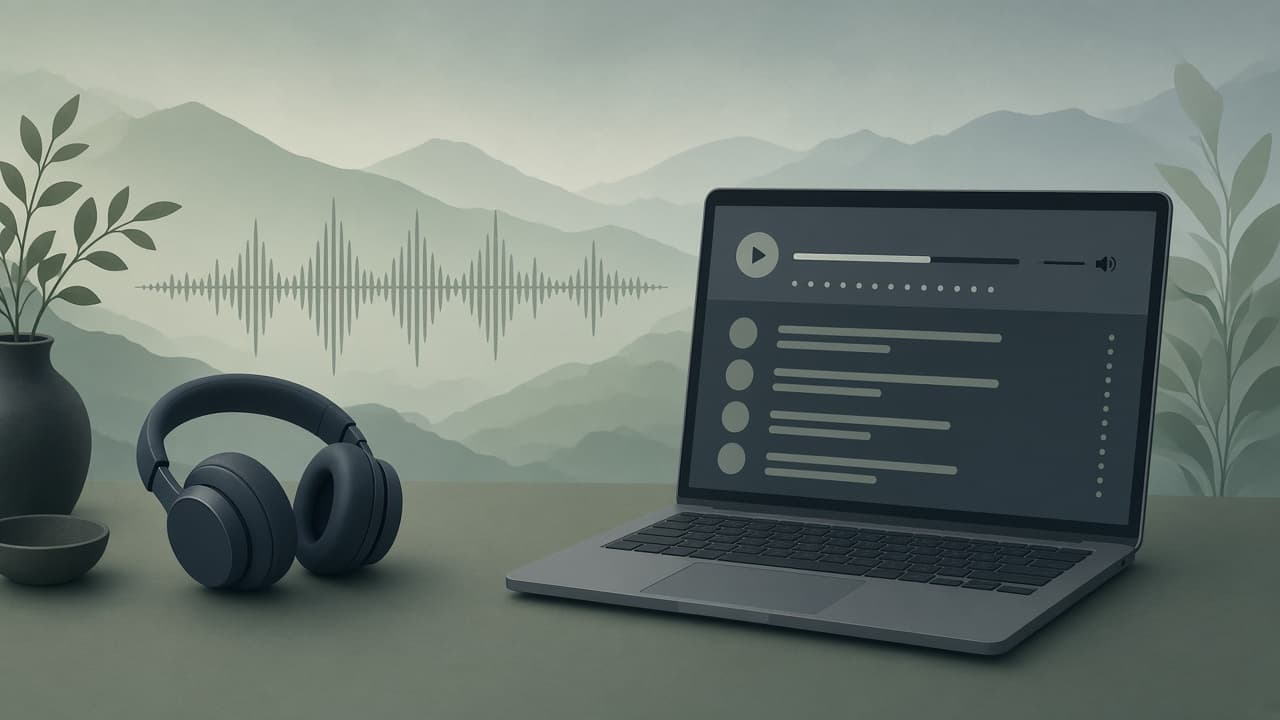
What you get with this audio to text converter
Speech to text with timestamps, speakers, captions, and chat — not a one-shot dictation box.
Audio to text
Upload a file and get editable text. That is the converter job: audio to text, voice to text, speech to text.
Speaker labels
Meetings and interviews show who said what so you are not guessing from a monologue.
Captions from audio
Export SRT if you need captions from an MP3 podcast later.
Chat with the episode
Ask questions grounded in the transcript after speech to text finishes.
Translate the transcript
After audio to text, translate in the workspace (plan limits apply).
Need video instead?
MP4/MOV/YouTube are on the video to text converter, not here.
Who uses audio to text
Podcasts, meetings, and research interviews — the same audiences as our use-case pages, with a converter URL.
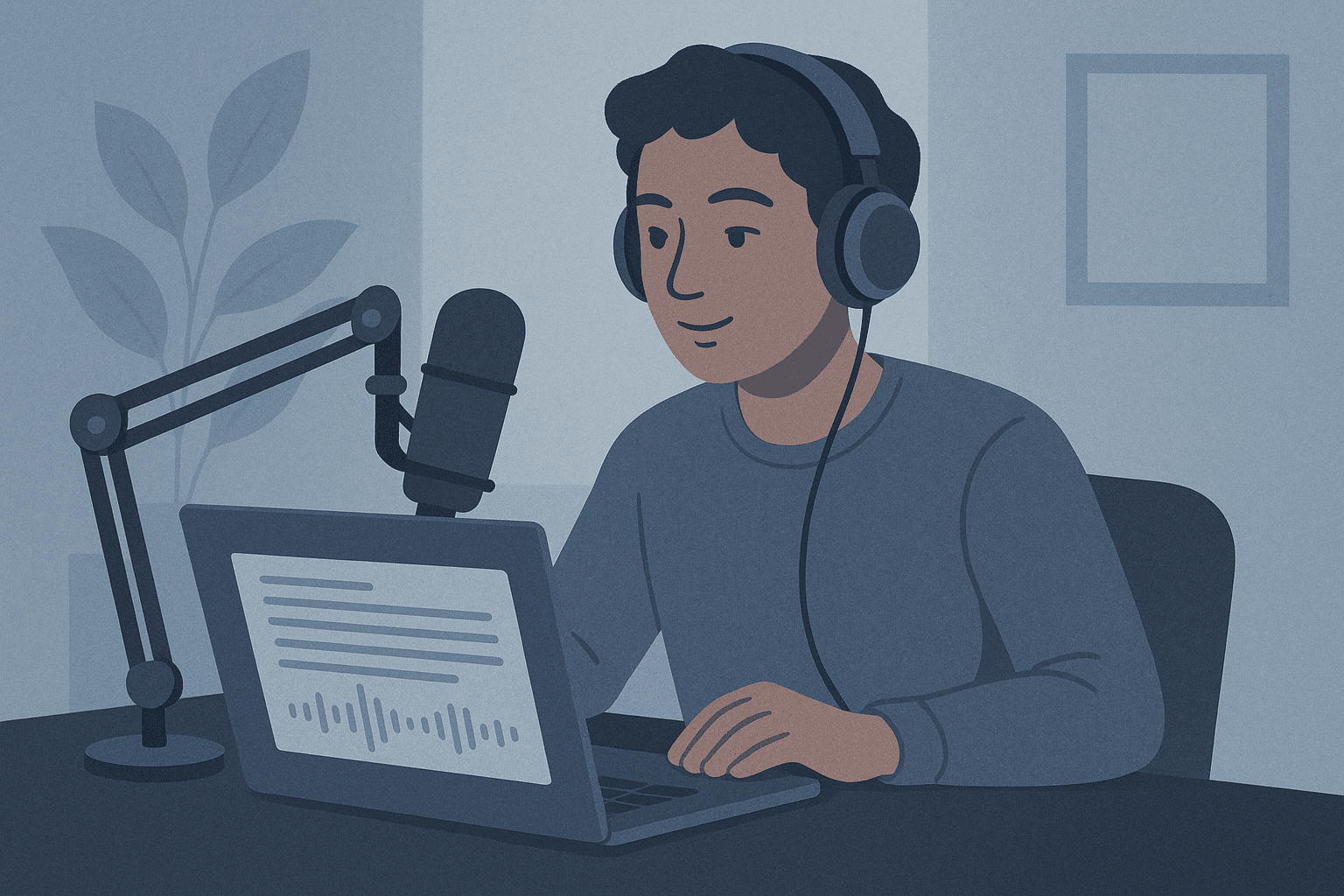
Podcast producers
Turn an episode into a transcript for show notes and captions. See also podcast transcription.
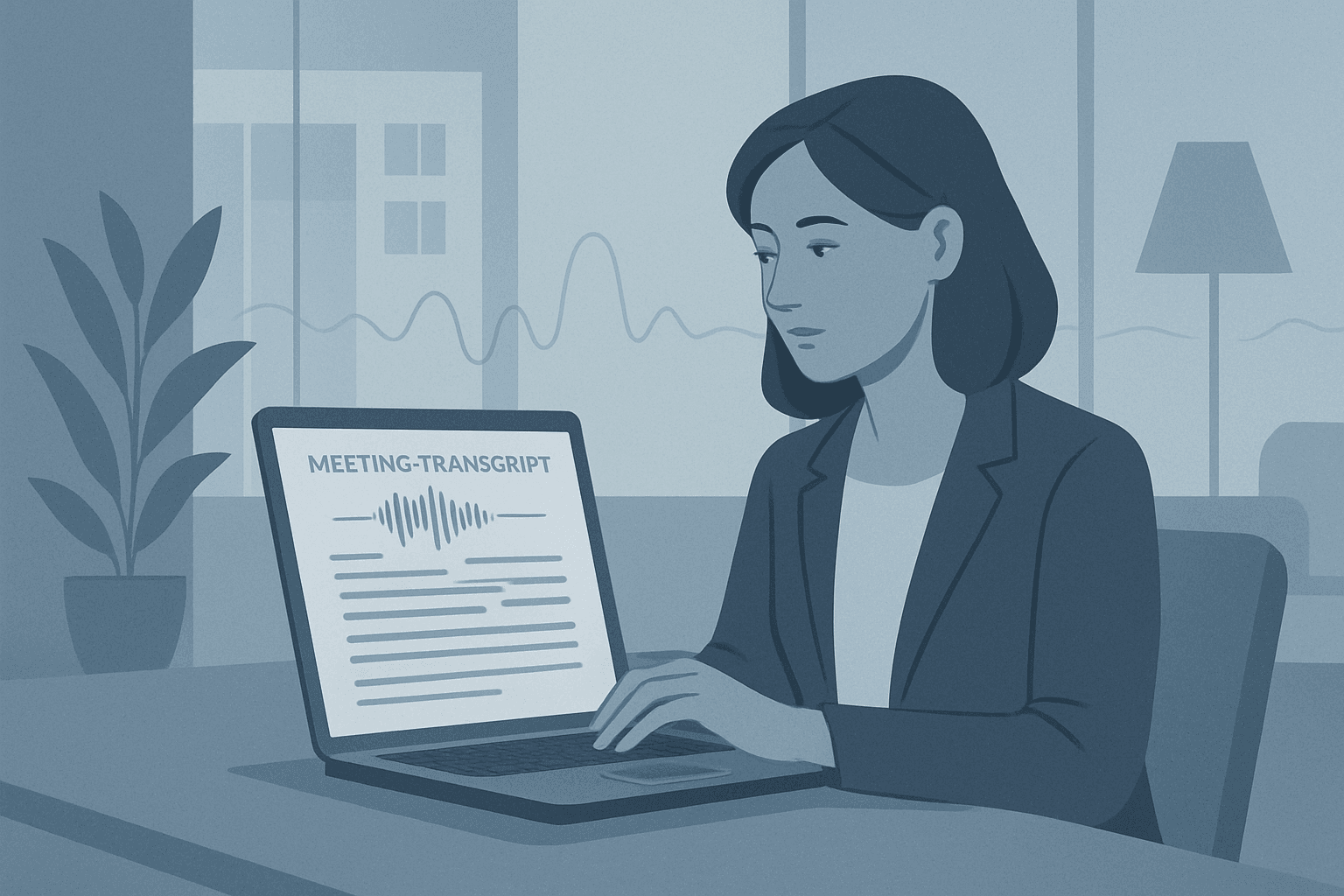
Meeting notes
Upload the recording, get a searchable transcript, then pull action items. See meeting transcription.
Voice memos vs this converter
Phone dictation is for a sentence. This audio to text converter is for the hour-long file.
Phone dictation
- Short utterances
- No speakers or timestamps
- No library or export suite
Simple Scribe
- Long MP3/WAV/M4A files
- Speakers, timestamps, chapters
- TXT, SRT, DOCX, PDF
Speech to text for files you already have
Upload first. YouTube paste lives on YouTube and video landings so this URL can stay audio-native.
Drop the audio at the top of this page. When speech to text finishes, search and export. If you only have an MP3, use the MP3 converter; WAV and M4A stay here.
Podcast and meeting walkthroughs with more narrative live on /use-cases/podcast-transcription and /use-cases/meeting-transcription.
Audio to text FAQ
Speech to text, voice to text, and file types.
Upload MP3, WAV, or M4A at the top of this page. You get a timestamped transcript you can copy and export.
It is file transcription (speech to text on a recording), not a live microphone dictation app.
Same product. The MP3 converter is for MP3 files. This page covers audio to text, speech to text, and voice to text across MP3, WAV, and M4A.
Convert audio to text
Upload MP3, WAV, or M4A and get a searchable transcript. Free to start — no credit card required.
Your transcripts also live in Library.