
Simple Scribe
AI Video Translator
Translate a video transcript with AI. Transcribe the video first, then translate the text — and use dubbing on paid plans. This is not a live overlay translator.
Upload or drag a video or audio here.
Common file formats supported — MP4, MOV, MP3, WAV, M4A, and more.
Free to start. No credit card required.Translate a video transcriptHow to translate a video with Simple Scribe
Two steps on purpose: speech to text, then translation. That is how “AI video translator” stays accurate.
1
Transcribe the video
Upload a file or paste a YouTube URL. You need a transcript before translation.
2
Translate the transcript
Pick a language in the workspace. Plan limits apply. This is translate video transcript, not live burned-in subtitles on the free plan.
3
Dub on paid plans
Paid plans include dubbing minutes for spoken output. This is not a free Hollywood-quality dub from one click.
AI video translation of the words, not a magic overlay
We translate the transcript. You still review it. Dubbing is a paid add-on, not the free default.
If you only needed English text from an English video, use the video to text converter. This page is for people who searched AI video translator / translate video transcript.
What this AI video translator actually does
Honest workflow: transcribe, translate, optional dub. No claim of joining Zoom or overlaying live translation.
Translate video transcript
After transcription, translate into other languages in the workspace.
Keep timestamps
You can still jump the original video while reading a translated line.
Dubbing on paid plans
Spoken output uses dubbing minutes. Free plans are transcript translation.
YouTube or file
Same import as other tools. Translation is the differentiator, not the importer.
Who needs an AI video translator
Learners watching a talk in another language, teams sharing an interview, creators localizing a transcript.
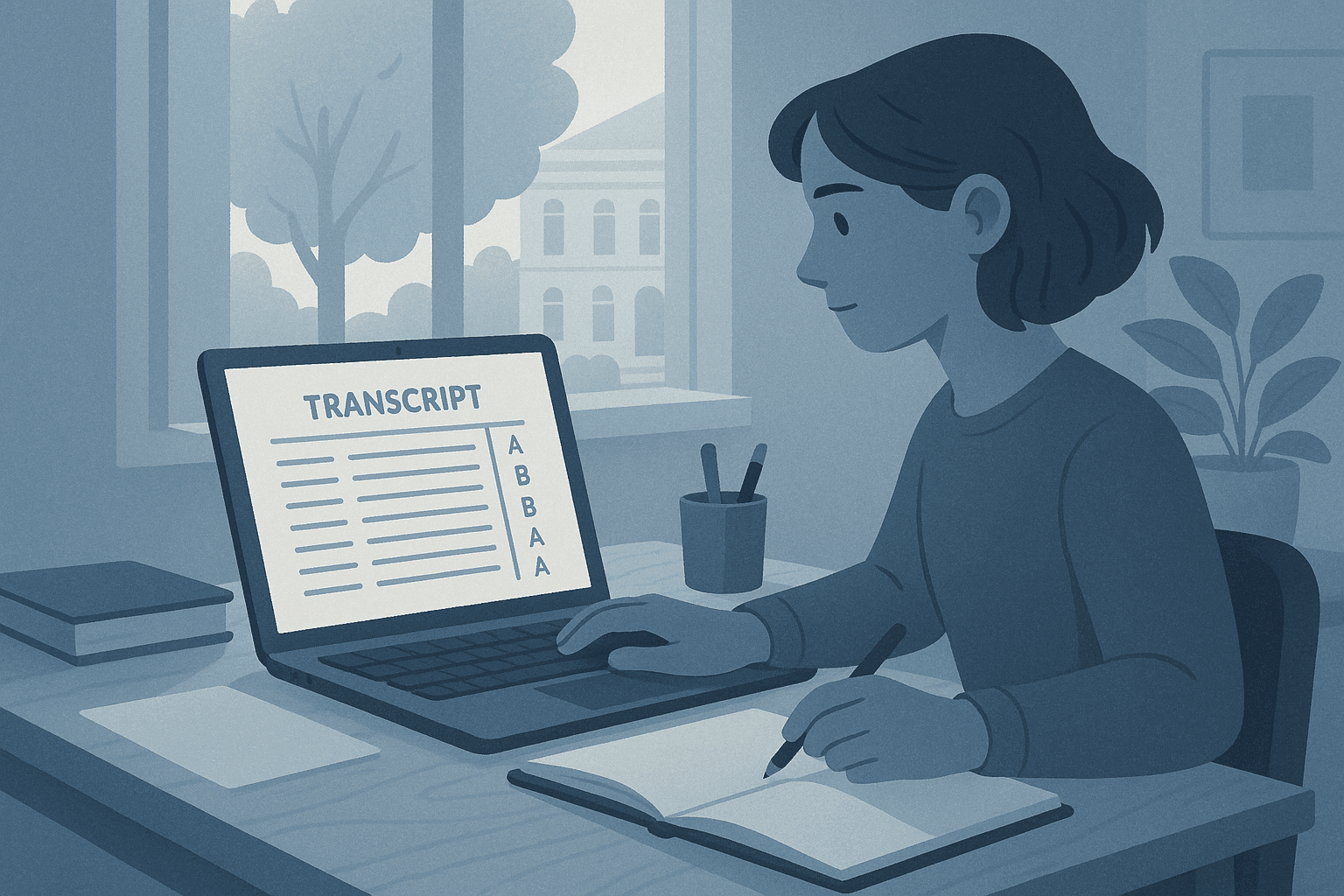
Learners
Transcribe, then translate so you can read a lecture that was not recorded in your language.
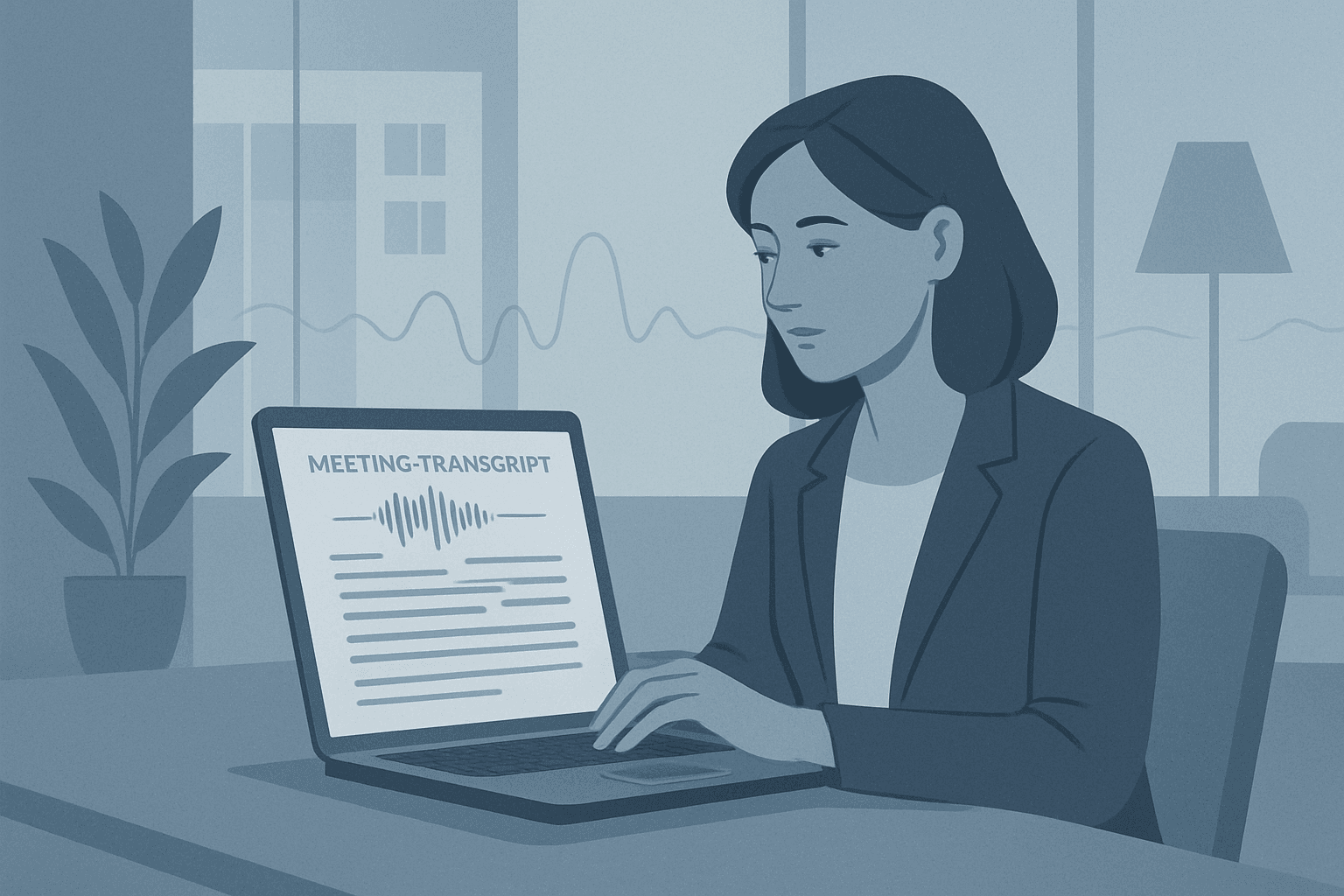
Teams
Share a translated transcript of a recorded briefing. Dubbing is available on paid plans.
Live translators vs this workflow
We do not join meetings or overlay live captions on a call. We transcribe a file or YouTube URL, then translate.
Live meeting translators
- Join Zoom/Meet as a bot
- We do not do that
- Different product category
Simple Scribe
- Upload or YouTube → transcript
- Then translate the transcript
- Dubbing minutes on paid plans
Translate the transcript, then decide on dubbing
Start with transcription. Translation is a second action in the workspace.
Upload or paste at the top. When the transcript is ready, translate. For English-only video to text, use the converter. For YouTube-only English transcripts, use the generator.
AI video translator FAQ
Translate video transcript, languages, and dubbing.
No. We transcribe first, then translate the transcript. Dubbing (spoken output) is on paid plans.
Yes — paste a public URL, transcribe, then translate. English-only YouTube transcripts belong on the generator if you do not need translation.
Translate a video transcript
Transcribe first, then translate. Free to start for transcription; translation and dubbing follow plan limits.
Your transcripts also live in Library.