
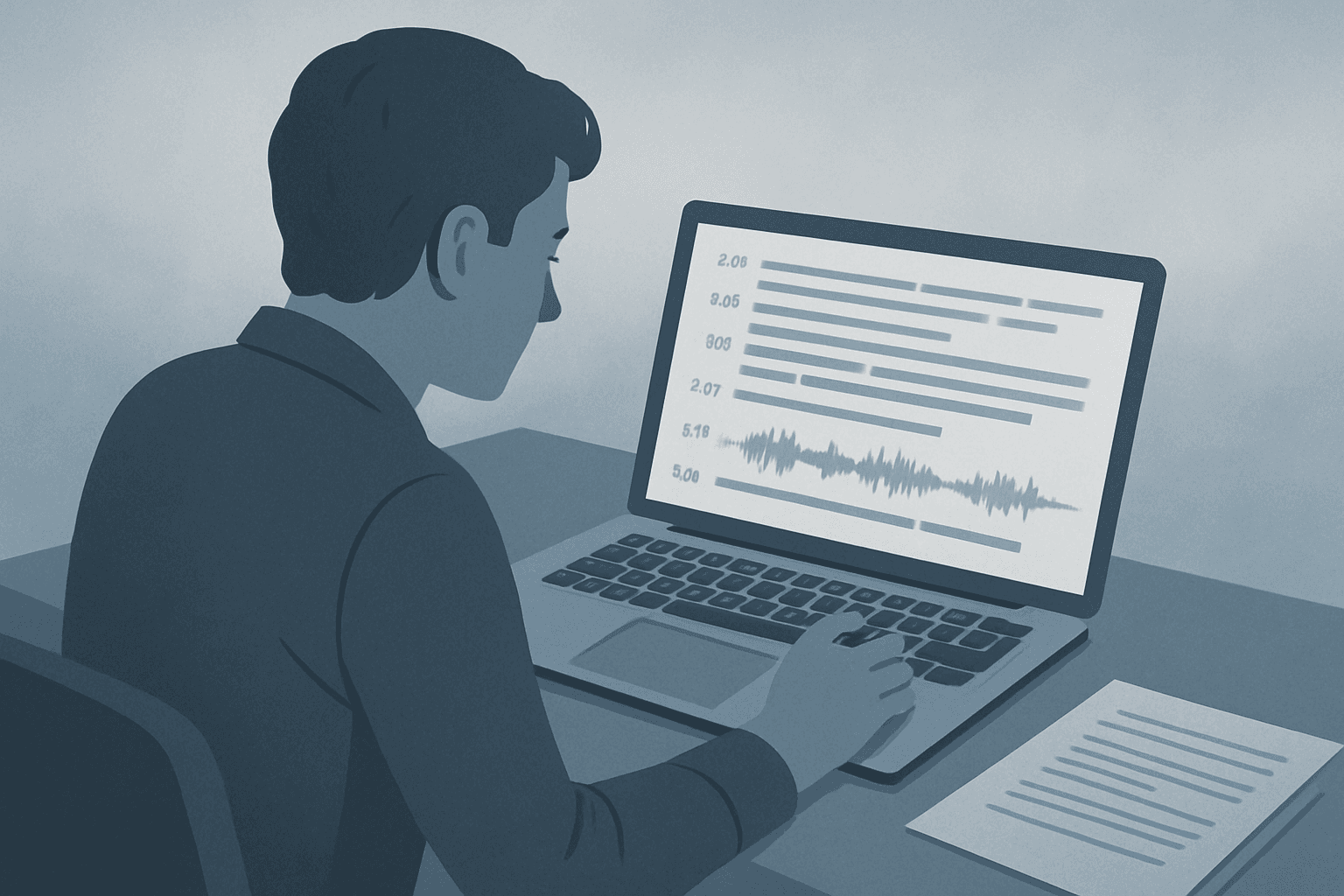
Reporting moves fast. After an interview, you need accurate quotes, clear attribution, and a way to find the moment someone said something important—without replaying the whole file. Simple Scribe turns interview recordings into searchable transcripts with speaker labels and synced playback so you can write, fact-check, and publish sooner.
Why journalists need reliable interview transcripts
Manual transcription slows stories. Scrubbing audio for a single line wastes time you could spend reporting. A transcript with timestamps lets you jump to the quote, verify context, and share a precise moment with editors or fact-checkers.
Pull verbatim quotes with confidence
Attribute speakers without guessing who is talking
Search across long interviews for names, topics, and claims
Export text for drafts, show notes, or archive
How Simple Scribe fits a reporting workflow
Upload MP3, WAV, M4A, MP4, or other common formats—or paste a public YouTube URL when the interview is already online. Processing adds timestamps, speaker labels, and chapters so long conversations stay navigable.
Speaker labels and synced review
Follow who said what in multi-person interviews. Click a line in the transcript to jump to that moment in playback, then copy the quote with the surrounding context still visible.
Ask questions of the recording
Use the AI assistant to surface themes, timelines, or specific claims—with answers grounded in the transcript and linked back to timestamps so you can verify before you publish.
Tip: Clearer audio produces better transcripts. Use an external mic when you can, reduce background noise, and keep speakers from overlapping when possible.
Export for publishing and archives
Download TXT, DOCX, PDF, or SRT when you need a clean file for your CMS, legal review, or long-term storage. Keep interviews in your library so you can search past sources later.
Get started
Upload your interview file or import a YouTube link on Simple Scribe.
Review the transcript with speaker labels and timestamps.
Copy quotes, ask the assistant for help, and export what you need.